In 2025, LinkedIn is both the B2B home base and one of the strictest platforms on authenticity. The LinkedIn algorithm 2025 rapidly flags unnatural signals, so the safest way to scale is to operate real, verified profiles with clean infrastructure and human-like behavior.
Why Cold Outreach Often Leads to Bans
For teams doing LinkedIn for cold outreach, the most common triggers are ramping volume too fast, skipping warm-up, and running bot-like timing or copy.
Searching for buy aged LinkedIn accounts won't fix core hygiene issues like warm-up, device consistency, and credible activity.
How the LinkedIn Algorithm 2025 Flags Accounts
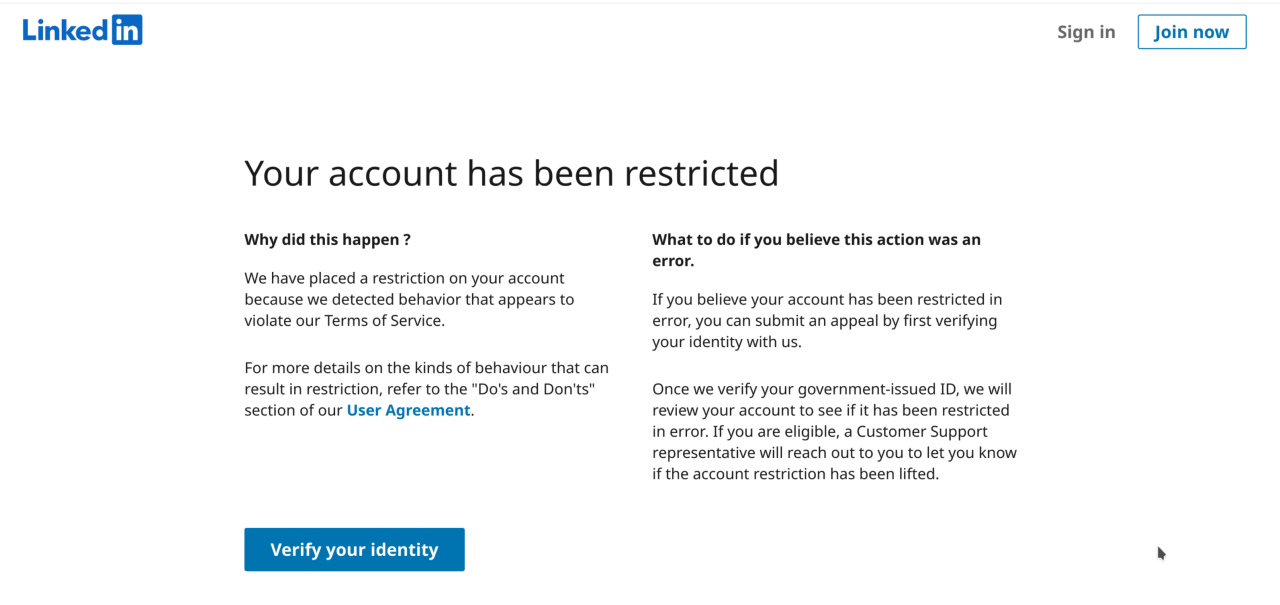
- Suspicious IP/device patterns. High-fraud proxies, unstable IP addresses, or unusual browser fingerprints.
- Thin or unnatural activity. Empty feed, no comments, weak graph.
- Broken social graph. Random industries/regions with no shared context.
- Photos that fail human review. Stock/AI faces (perfect symmetry, fake lighting); during ID checks, LinkedIn can compare your photo to a passport.
- Duplicate identity risk. If two profiles share the same legal name and passport, both can be blocked at verification.
People who try to buy a LinkedIn account often trip these checks because such profiles lack a consistent history and device hygiene.
What Makes a Profile “Safe” in 2025
Scaling note: These standards apply whether you operate one profile or scale via LinkedIn account rent; even teams that rent LinkedIn accounts must keep device/behavior hygiene tight.
We use clean proxies, warm accounts correctly, keep profiles isolated, and support ID-verified checkmarks that pass 2FA and passport reviews when required (e.g., Sales Navigator or recovery).
Practical Guardrails for Cold Outreach
- Start ~10–15 requests/day; scale with acceptance.
- Personalize; don’t blast one script to everyone.
- Mix actions (view, like, comment, connect).
- Respect lead time zones; keep it lighter on weekends.
- If you get a warning, pause 1–2 days, then resume slower.
- Keep timing human-like and stay below daily thresholds.
Here are some of the best practices for safe and effective LinkedIn automation, as mentioned by Konnector.AI, a trusted LinkedIn outreach platform by experts:
Scale What Works with Click2.ai
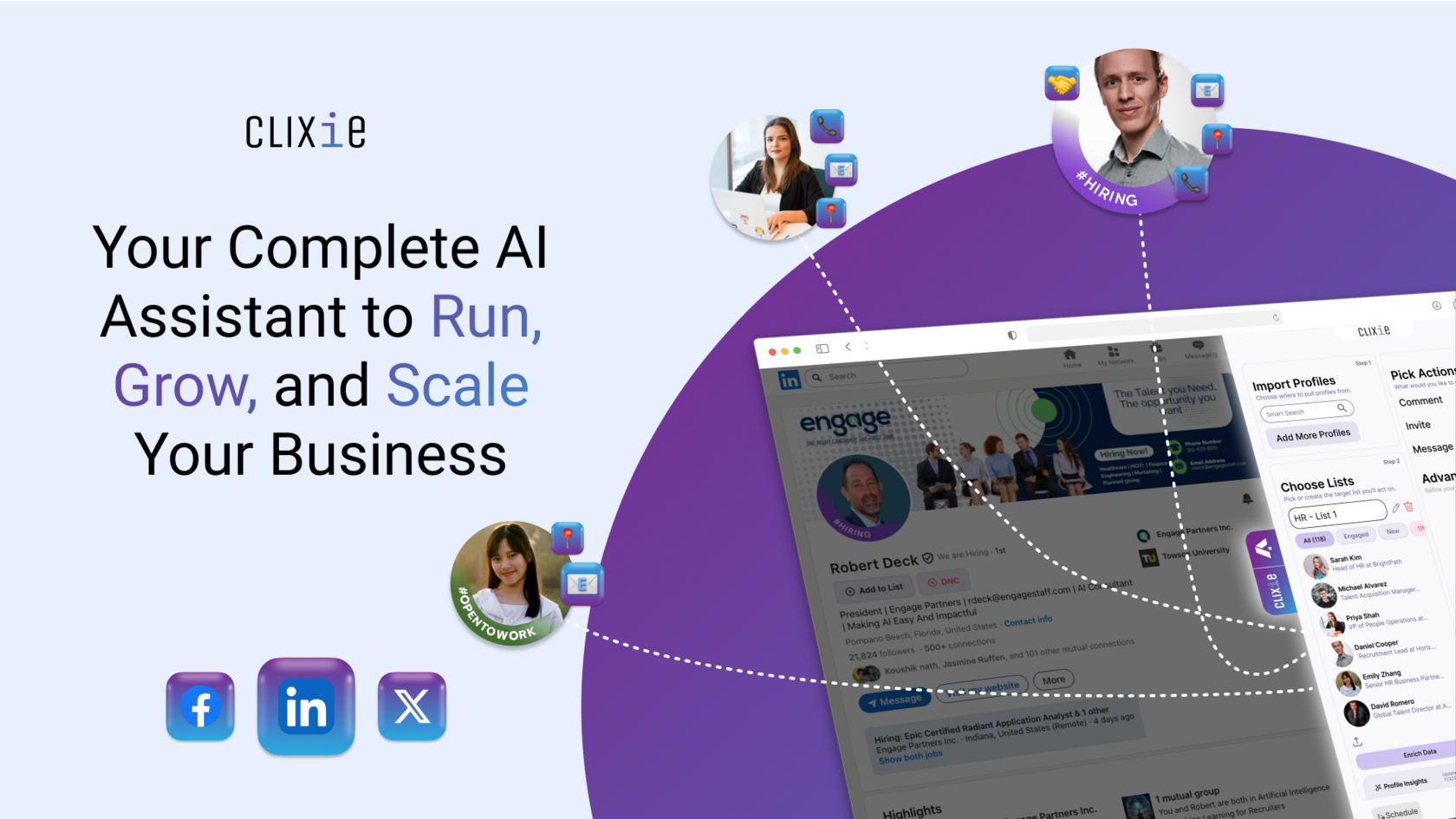
If you’re ready to turn this safe stack into consistent results, Click2.ai can take the heavy lifting off your plate. The platform uses AI to grow your brand and generate leads on LinkedIn by creating on-brand posts and comments, and by running targeted outreach that’s tailored to your goals.
It’s built for business owners, marketers, and recruiters who want more reach and better conversations without losing their personal touch. You stay in control of voice and approvals, while Click2.ai handles the repetitive work so you can focus on strategy and replies.
🔥 Try it with a discount code 25OFF to jump-start your next campaign
Conclusion
Safe scale isn’t a mystery — it’s a system. Pair ID-verified profiles with the official LinkedIn badge with a clean infrastructure (isolated browsers, dedicated mobile-grade proxies, unique cookies, realistic time zones), then run human-like workflows: gradual warm-up, conservative daily limits, natural dwell time and scroll, varied copy, and periodic cool-downs. Treat automation as assistive, not a driver — monitor signals (captcha prompts, temp locks, message delivery drops), rotate touchpoints, and adjust sends before friction turns into a restriction. Do this consistently, and bans become rare outliers instead of weekly firefights.
If you want this playbook done for you, LinkUnity rents ID-verified LinkedIn accounts from real people (NFC-passport verified) with the official verification badge, plus recovery support in case of restrictions.