The Clean LinkedIn Proxy Setup: Safer Automation That Scales
If you run outbound, recruiting, or data collection on LinkedIn, your network footprint matters as much as your copy. This guide gives you a practical LinkedIn proxy setup — which proxy types to choose, how to configure sessions, and when account strategy (e.g., LinkedIn profile rental) is smarter than trying to buy LinkedIn accounts.
Why a LinkedIn proxy matters
Every login is scored by IP reputation, geography, and behavior. Good signals (realistic locations, stable sessions) keep accounts smooth; noisy signals (cheap datacenter IPs, rapid rotations, mixed geos) trigger challenges and restrictions. A thoughtful LinkedIn proxy strategy is the foundation for consistent delivery.
Choose the right proxy type
- Residential proxies for LinkedIn. Best default. Traffic looks like real households, improves trust, and aligns with typical user patterns.
- Static/ISP residential. Great for single-seat longevity — stable, fixed IPs for months.
- Mobile (4G/5G). Highest “human” look; useful for sensitive or high-value seats.
- Datacenter. Fast and cheap, but often pre-flagged — avoid for production outreach.
Configuration rules that keep seats healthy
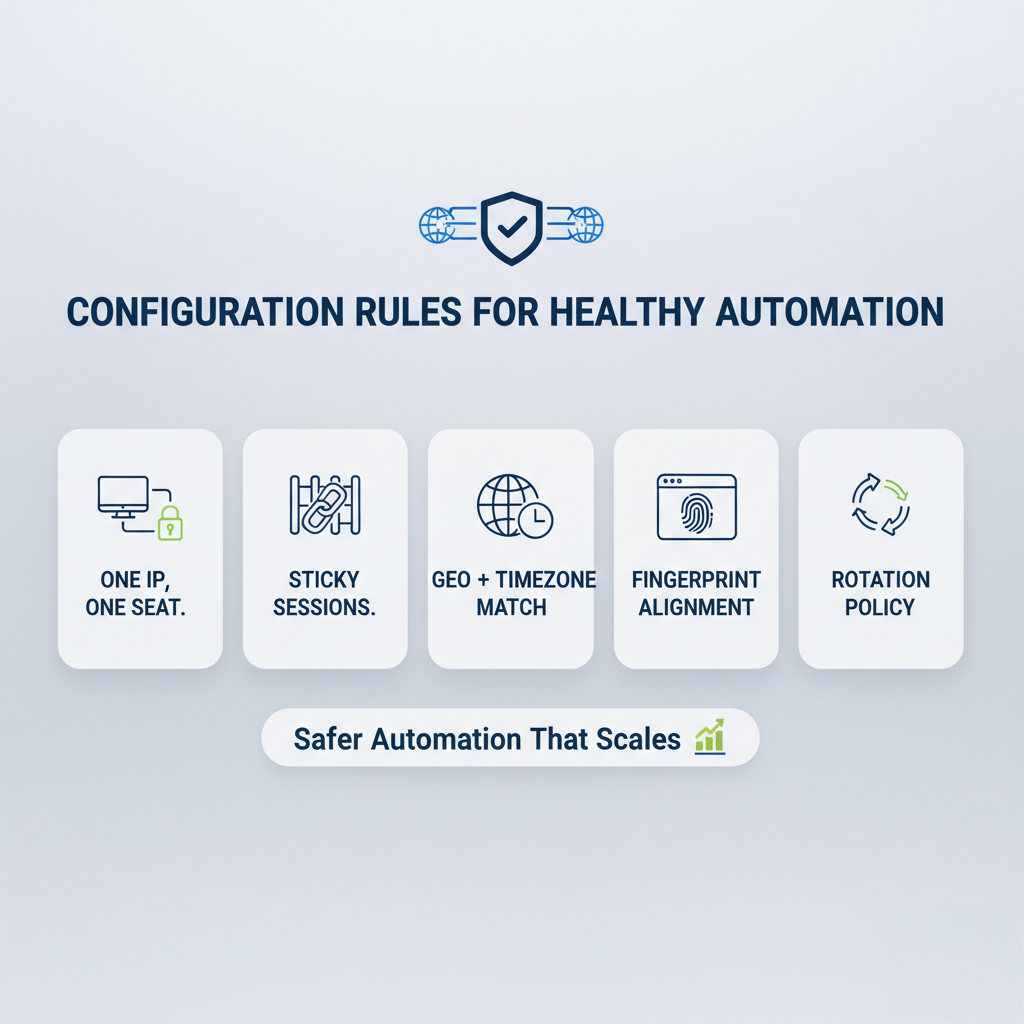
- One IP, one seat. Map a single proxy to a single account and never cross streams.
- Sticky sessions. Keep sessions stable (30–240 minutes). Refresh gradually; avoid rapid-fire IP changes.
- Geo + timezone match. Align proxy country/city and local sending hours to the account’s profile.
- Fingerprint alignment. Browser language, timezone, fonts, and WebRTC must match the proxy; prevent real IP leaks.
- Rotation policy. Rotate only when you intend to, e.g., after a session window or scheduled cool-downб not mid-conversation.
Safe daily pacing
- Invites: ~20–35/day per seat post warm-up
- Messages: ~80–120/day spread across time blocks
- Profile views: ~100–150/day with natural browsing gaps
- Randomize send windows and rest on weekends to mimic normal usage.
Monitoring & upkeep
- Track latency and challenge rates per IP.
- Replace degrading IPs proactively; keep a small bench of ready residential/ISP proxies.
- Log every change (account ↔ IP mapping, ASN, city) to spot patterns quickly.
“Accounts strategy” 101
Teams often ask whether to buy LinkedIn accounts or spin up seats another way. Two quick notes:
If you plan buy aged LinkedIn accounts: be aware of policy and recovery risks; provenance and previous history are often unclear. Even with a perfect LinkedIn proxy, poor account quality can still negatively impact performance.
LinkedIn profile rental (with verified, well-warmed seats) can be safer operationally — clear history, clean environments, predictable warm-up, and documented recovery processes. Pair this with your LinkedIn proxy setup to scale regions or verticals without oversending on a single identity.
Quick-start checklist
- Pick residential proxies for LinkedIn (static/ISP if you need a fixed IP).
- Enforce one IP per account and sticky sessions.
- Match geo + timezone and align browser fingerprint.
- Pace actions conservatively; ramp over 3–4 weeks.
- Monitor, swap weak IPs, and keep meticulous logs.
Looking for the best place to rent LinkedIn account?
Extend these routines across markets with LinkUnity’s ID-verified LinkedIn profiles (official badge) and 2FA in clean, isolated environments. Seats are pre-warmed for steady activity, and swift replacements keep momentum if restrictions happen. In short: a dependable LinkedIn profile rental that maximizes authenticity, lowers ban risk, boosts engagement, and stays cost-efficient as you grow.