Warm-up = acting like a real person until LinkedIn “trusts” your account. Start slow, mix actions, and grow weekly. If you rent LinkedIn accounts, there’s often no need to warm up because properly curated LinkedIn aged accounts already carry reputation, history, and healthy inboxes, i.e., they’re ready to use. If you buy LinkedIn accounts fresh, you’ll need a longer, gentler ramp.
Why LinkedIn Warm-Up Exists
LinkedIn watches for abrupt, bot-like behavior: large connection bursts, duplicate messages, instant automation, or zero-to-hundreds DMs. Warm-up teaches the system you’re human:
- Consistency over spikes (steady daily activity)
- Natural mix of actions (view → follow → react → comment → connect → DM)
- Real profile + network context (photo, experience, endorsements, mutuals)
Note: If you opt for LinkedIn account rental with LinkedIn aged accounts, you typically start at a higher baseline of trust, so you can move faster (responsibly).
Setup: Trust Signals Before You Touch Outreach
Do these first — even for aged profiles.
Complete the profile
- Headline formula:
I help [role] in [industry] achieve [outcome] with [method].
- About: simple, first-person, 4–6 lines, outcome-focused.
- 3-5 Featured items (case study, deck, post).
- Experience with measurable wins.
- 10–15 Skills; ask for 3–5 endorsements.
Account Hygiene
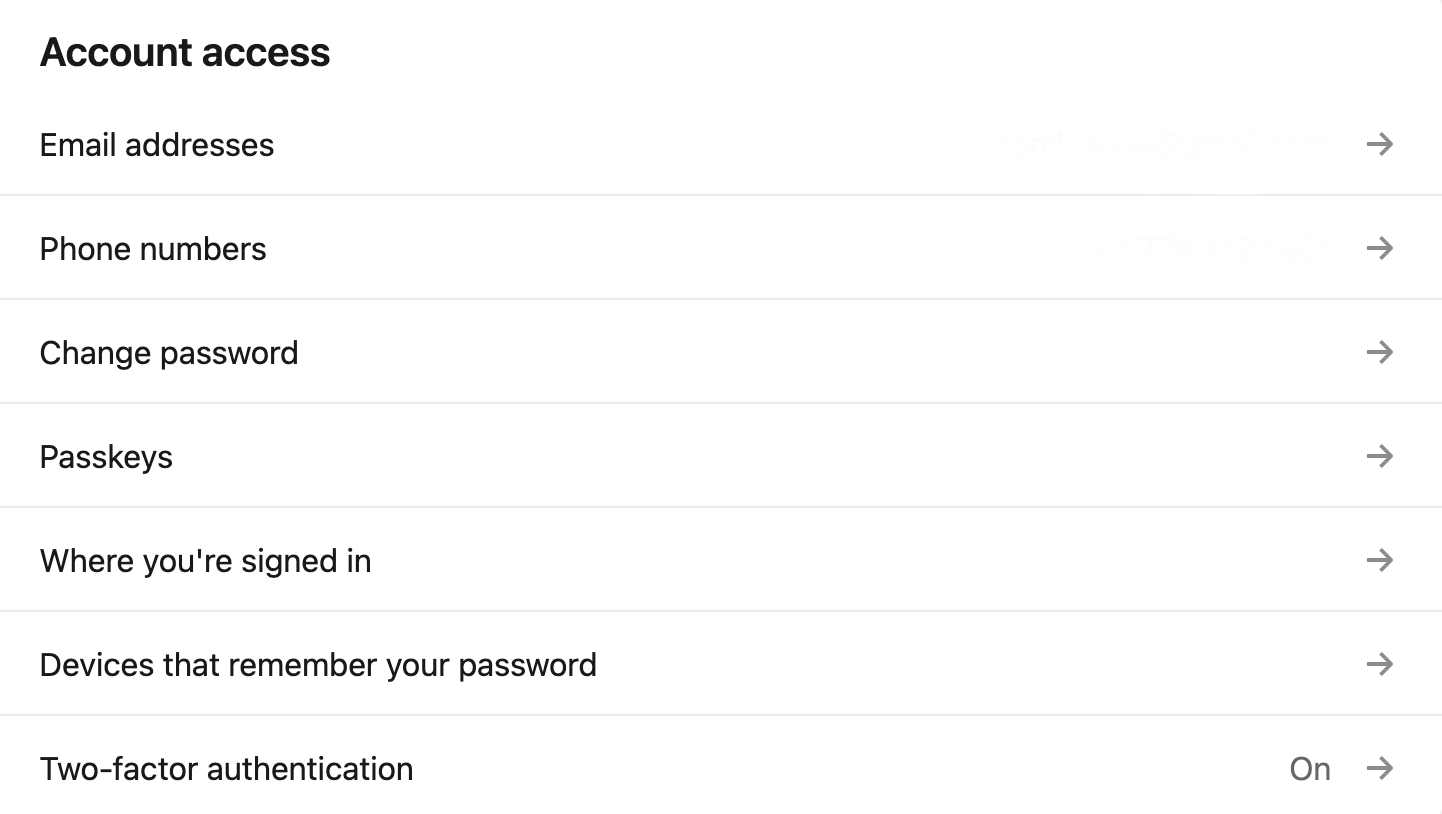
- Confirm email & phone, enable 2FA.
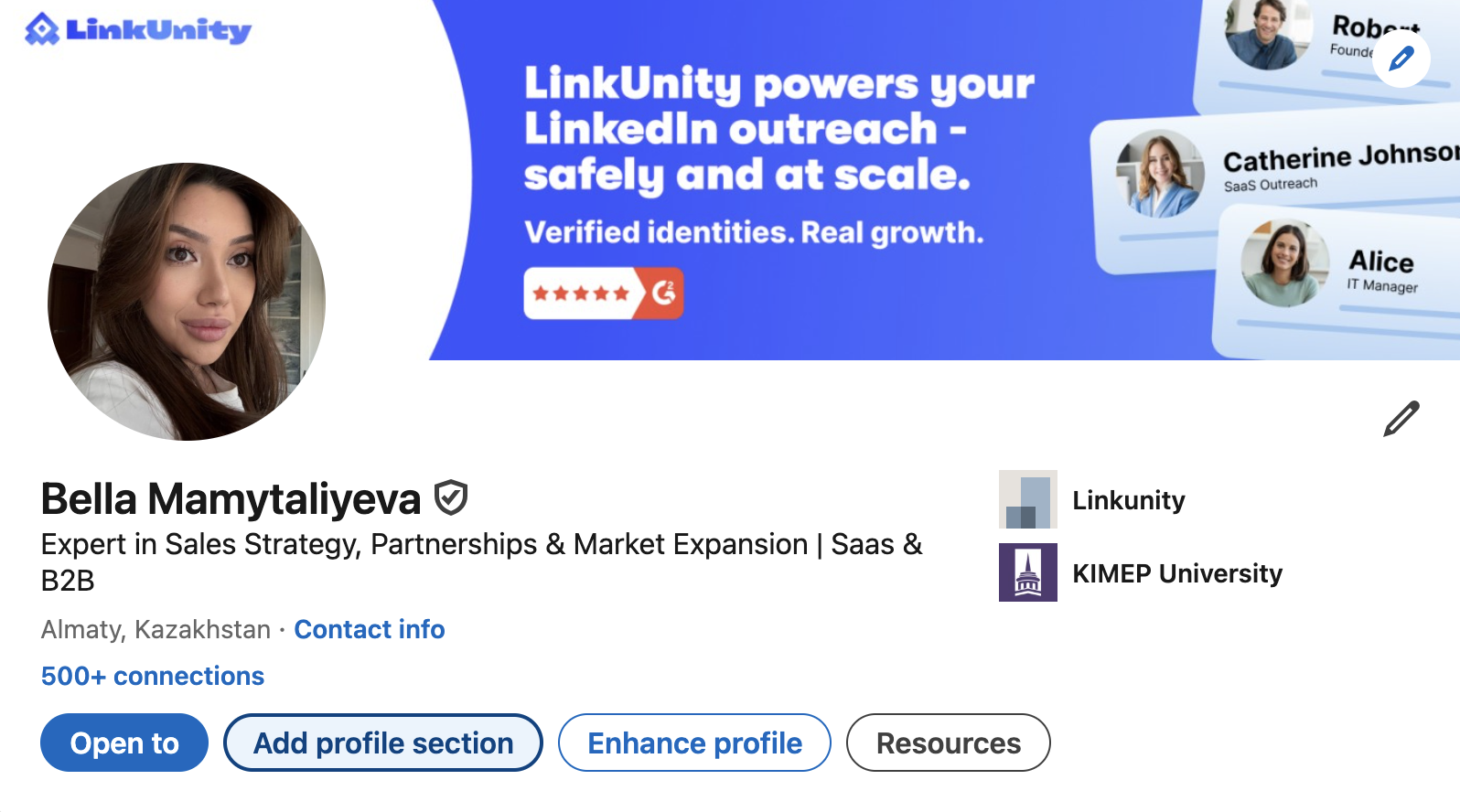
- Add a real headshot and branded cover image.
- Add location, time zone, and language.
Baseline activity (3–7 days)
- Follow 20–40 relevant creators/companies.
- React to 5–10 posts/day; add 1–2 thoughtful comments/day.
- Publish 1 short post in week 1 (pin to Featured if strong).
Action Caps: What “Safe” Looks Like
These are conservative, human-looking bands. Ramp by ~10–20% weekly if acceptance/reply rates are healthy and warnings = 0.
If you rent LinkedIn accounts, there is no need to warm-up, because our LinkedIn aged accounts are already ready to use — you can start closer to the Day 15–21 band (still monitor warnings and acceptance rates).
21-Day Warm-Up Plan
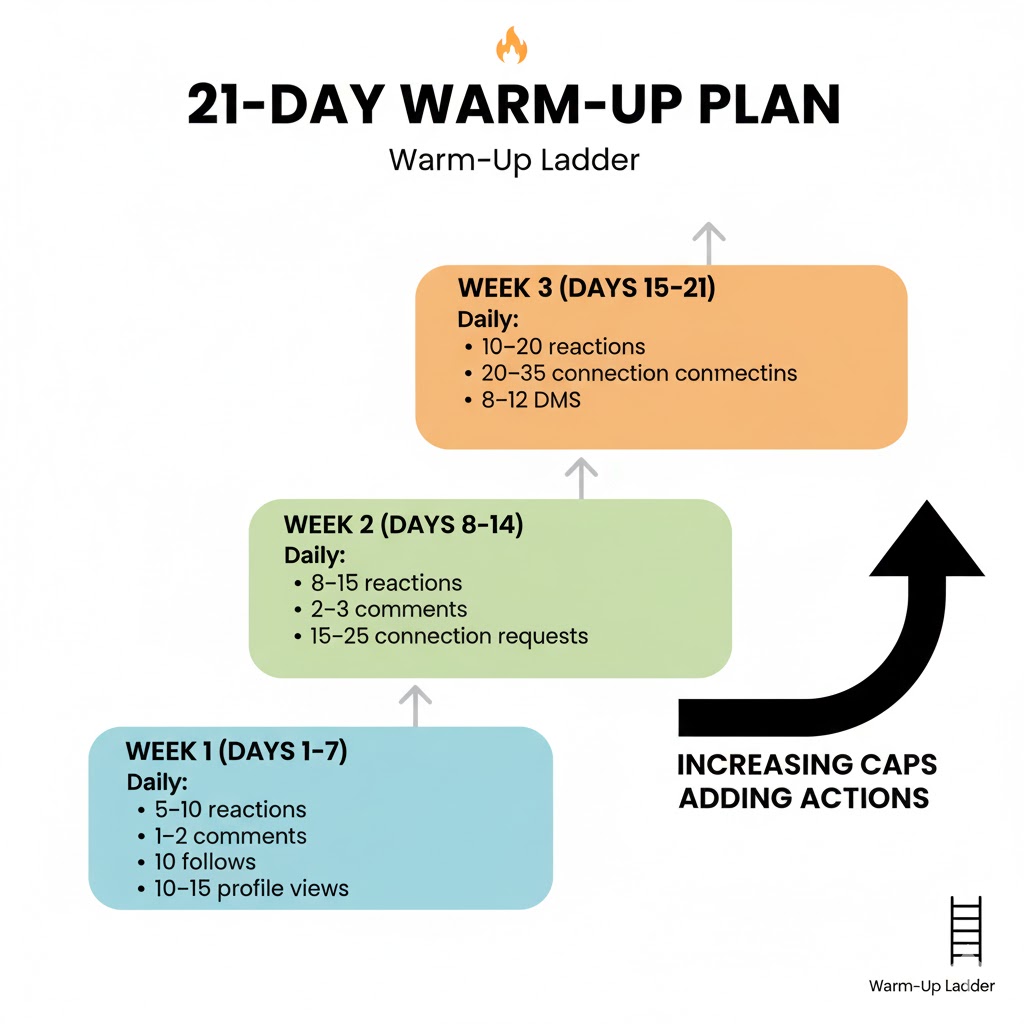
Week 1 (Days 1–7) – Social proof only
- Daily: 5–10 reactions, 1–2 comments, 10 follows, 10–15 profile views.
- Send 5–10 connection requests/day to high-propensity targets (shared groups, mutuals, same school/industry).
- No cold DMs yet.
- Publish 1 short post (your POV or mini-case).
Week 2 (Days 8–14) – Light connecting
- Daily: 8–15 reactions, 2–3 comments, 15–25 connection requests.
- Start 5–8 DMs/day, but only post-accept (no cold InMail blasts).
- Post 1 helpful update (template, checklist, or quick win).
Week 3 (Days 15–21) – Controlled outreach
- Daily: 10–20 reactions, 3–4 comments, 20–35 connection requests, 8–12 DMs.
- Add 1 longer post (story + outcome + CTA).
- Prune pending invites >14 days; keep pending under ~100.
Copy Templates That Don’t Feel Like Spam
Connection note (no pitch):
Hi {{FirstName}}, enjoyed your post on {{topic}}. I work with {{segment}} on {{outcome}} — happy to connect and learn from your updates.
First DM (after acceptance, value first):
Thanks for connecting, {{FirstName}}. If helpful, here’s a 1-pager on how {{segment}} reduces {{pain}} in {{timeframe}} without changing their stack. If not relevant, no worries — happy to share the PDF.
Soft CTA follow-up (3–5 days later):
Curious — are you exploring {{goal}} this quarter or is {{team}} focused elsewhere? Happy to send a checklist and let you run with it.
Inbox Health: The Overlooked Warm-Up Lever
- Keep pending invites <100–150; withdraw low-fit requests weekly.
- Aim for >40% acceptance on connection requests (tighten ICP if lower).
- Reply within 24h; avoid long gaps that trigger “burst-then-silence” patterns.
- Don’t paste links in first messages; use attachments or follow up with a link.
- Rotate 2–3 angles; kill the one with the lowest reply rate.
When You Can Skip Warm-Up (And When You Can’t)
You can often skip or shorten the warm-up when:
- The profile is a LinkedIn aged account (history, prior connections, consistent posts).
- Inbox and pending invites are clean, and the account has 2FA + real-looking activity.
- You rent LinkedIn accounts from a provider that guarantees aged, active, and inbox-healthy seats. In that case, you can begin near Week-3 cadence right away and scale carefully.
You should not skip warm-up when:
- You buy LinkedIn accounts that are fresh or have messy histories.
- The profile looks incomplete, off-brand, or has stocky patterns.
- You plan to use automation from day 1 (don’t).
⚠️ Reminder: Respect LinkedIn’s Terms and user privacy. Warm-up is about quality human behavior, not evasion.
Automation: If/When You Add It
- Start manually for 2–3 weeks.
- If adding tools, the cap sends below your manual limits for the first 7–10 days.
- Randomize delays, avoid identical copies, and keep daily windows to business hours.
- Always keep a manual lane for high-value targets.
KPI Benchmarks & “Scale Gates”
Only scale when you hit these minimums over 7 rolling days:
If you miss any gate, hold or reduce volumes and improve targeting or copy.
Troubleshooting Quick Table
FAQ
Do I need a warm-up with LinkedIn aged accounts?
Not always. If reputation and inbox health are good, you can start closer to Week-3 caps. That’s why LinkedIn account rental with aged accounts is popular for teams.
What if I buy LinkedIn accounts?
Buying brand-new seats usually means longer warm-up and higher risk. If you're considering this route, it helps to understand the safer alternative to buying LinkedIn accounts before you commit — vet history and hygiene carefully, or explore LinkedIn profile rental with aged profiles instead.
What’s the best place to rent LinkedIn account profiles?
Look for providers who offer LinkedIn aged accounts, verified identity, clean inboxes, and usage guidance. The best place to rent LinkedIn account seats also provides replacement SLAs and onboarding support.
If you rent LinkedIn accounts, you can begin productive outreach without a warm-up, because the profiles are already trusted and ready. LinkedIn accounts are ID-verified (official badge), 2FA, isolated, pre-warmed, with quick replacements. Higher trust, lower risk, faster results.