One of the biggest questions professionals ask is: how many connection requests can I send on LinkedIn? In 2026, the answer is tied to account trust, activity, and the updated LinkedIn algorithm 2026. Sending too many too fast will trigger LinkedIn restrictions — but with the right strategy, you can safely grow your network.
The Current LinkedIn Connection Request Limits
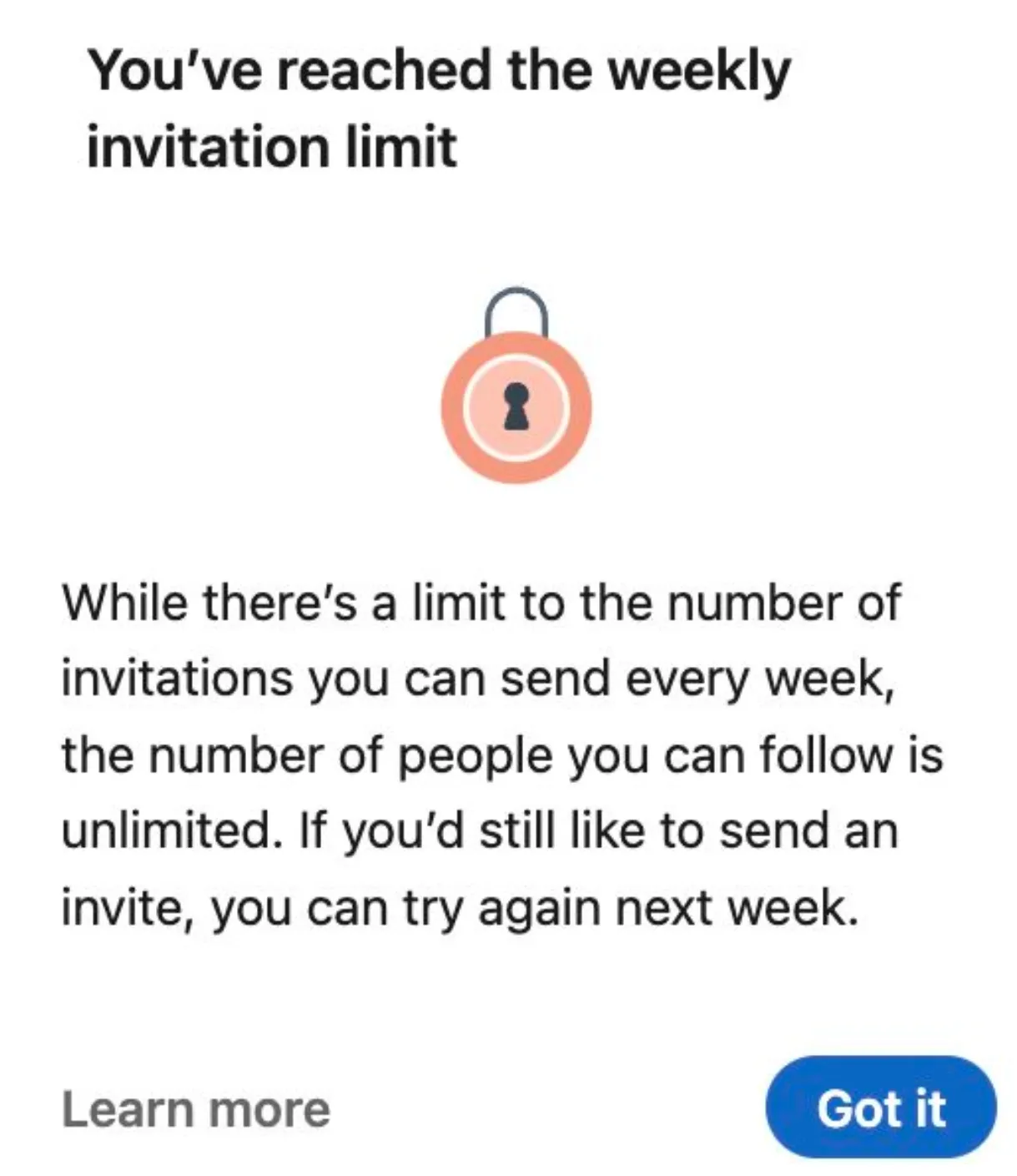
⚠️ If you go beyond these numbers, you’ll see warnings like “You’ve reached the weekly invitation limit” or risk temporary suspension.
Key Factors That Affect Limits
- Pending invitations: Too many unaccepted requests lower your trust score.
- Acceptance rate: Keep it above 30–50% by targeting relevant leads and sending invites at the right time.
- Reports: Even a single spam report can cause restrictions.
LinkedIn Growth Hacks for 2026
- 🔥 Warm up slowly: Start with a few requests daily and scale up.
- 💬 Engage with content: Accounts that post and interact get more freedom.
- ⭐ Use premium plans: Sales Navigator adds InMail credits and boosts credibility.
- 👥 Split activity: Instead of risking one profile, many professionals use multiple LinkedIn accounts to spread requests safely.
LinkedIn Profile Usage Guidelines
When working with rented or managed LinkedIn profiles, it’s crucial to follow safe practices to ensure stability, avoid bans, and maintain consistent results. Below are the key rules every user should follow.
- Profile Warm-Up: All new profiles must go through a warm-up phase before active outreach begins.
- Days 1-3: complete the profile setup (photo, headline, experience, etc.).
- Gradually increase connection requests, following the recommended LinkedIn Warming Plan.
- Vary activity times each day to avoid recognizable patterns.
⚡ Important: A safe limit is 15 connection requests per day. The absolute maximum is 20 invites per day, but staying within 15 ensures stability.
- Outreach Rules:
- Never include links in the first automated message. Links may only be sent after the lead replies.
- Avoid using the same template across multiple profiles.
- Each profile must have its own unique message script to reduce detection risk.
- Handling LinkedIn Warnings:
- If LinkedIn issues a warning, pause all activity immediately.
- Resume outreach only after at least 48 hours of inactivity.
- Managing Pending Invites:
- Regularly clean up pending invites, but always in small batches.
- Remove no more than 100–200 per week.
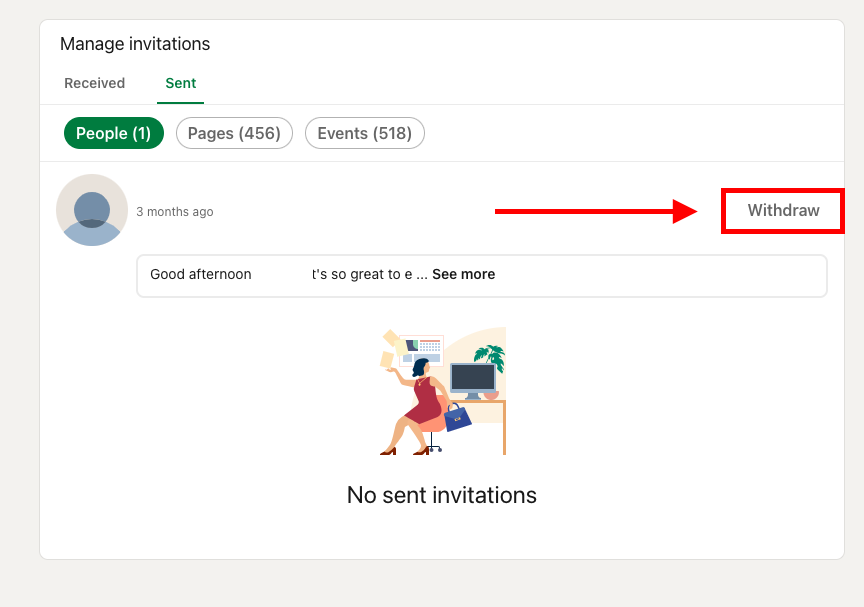
⚠️ Never remove all at once, as this can trigger LinkedIn’s automated alerts.
✅ By following these guidelines, you ensure safer account usage, reduce the risk of restrictions, and build a sustainable outreach system.
✅ By following these guidelines, you ensure safer account usage, reduce the risk of restrictions, and build a sustainable outreach system.
How to Bypass LinkedIn Restrictions: Buy vs. Rent Accounts
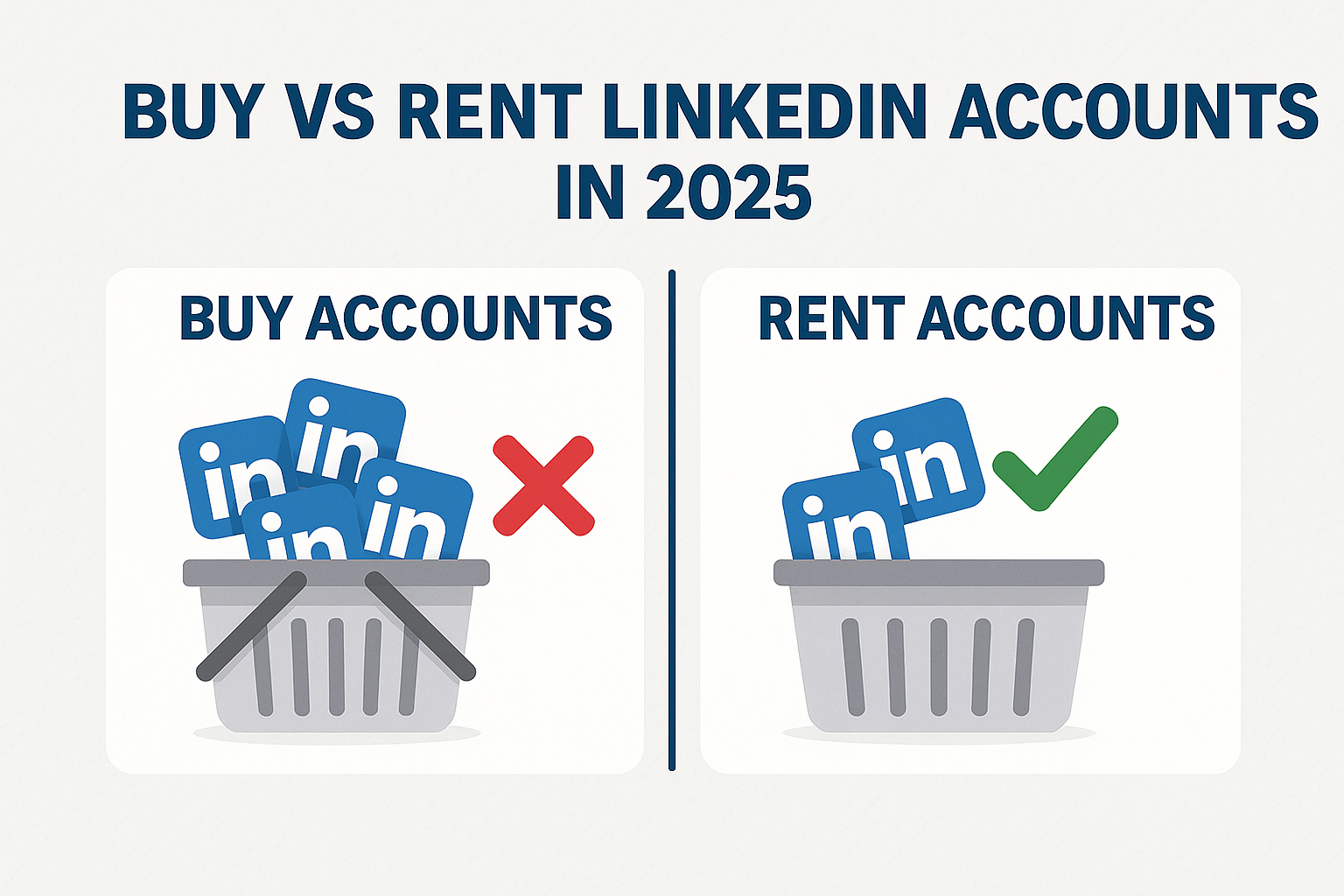
Some try to buy LinkedIn accounts to bypass restrictions. But new or bought accounts are flagged quickly. A better solution is to rent LinkedIn profiles from a trusted provider. Aged, warmed-up rental profiles offer more stability, fewer restrictions, and long-term safety.
👉 The bottom line: You can’t cheat the LinkedIn algorithm 2025, but you can work with it. By respecting limits, using smart LinkedIn growth hacks, and leveraging multiple LinkedIn accounts — ideally rented from a reliable source — you’ll scale faster without triggering bans.
Conclusion
LinkUnity rents ID-verified LinkedIn accounts (official badge, 2FA) in clean, isolated environments with steady warm-up and built-in replacements/recovery if restrictions occur.